
Getting started
Get up and runningwith Gridfloo
From your invitation to your first flow, step by step.
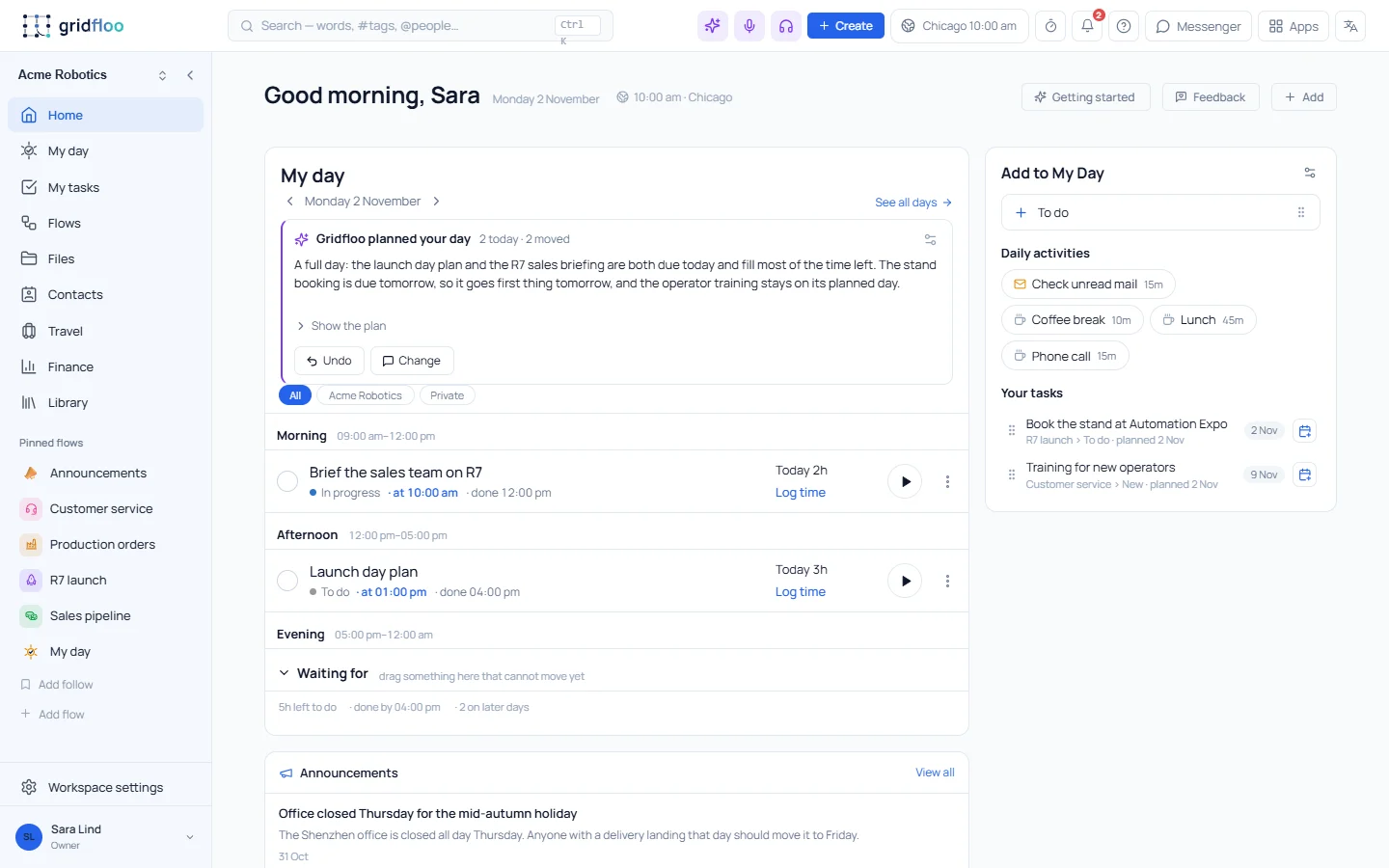
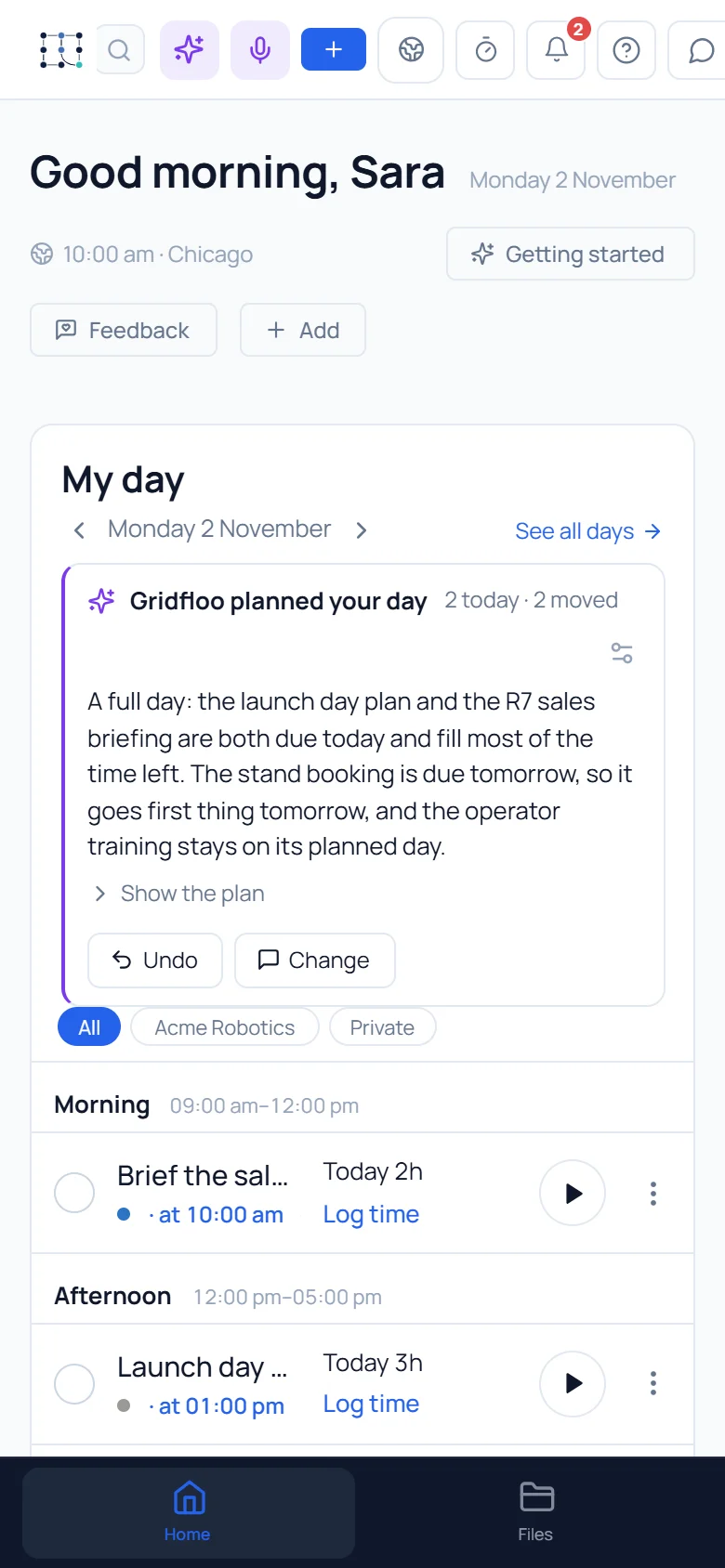
Get started in four steps
Gridfloo is by invitation for now, so it starts with a request.
1
Request access
Tell us who you are and what you want to run.
2
Sign in
With Microsoft, Google, Apple or a code sent to your email — no new password.
3
Set up your workspace
Your company, your mail and calendar, and the flows you need.
4
Invite your team
Add colleagues and the customers you work with, and start working.
Quick ways to get started
For yourself
Start with My Day, your mail and your documents.
For a team
Create a workspace, invite the team and run your first flow.
For a company
Groups, rights, customers and invoicing, set up with us.
Ready when you are
Request access and we will help you set up.